Screenshots
Explore the Track Samurai interface and its key workflows.
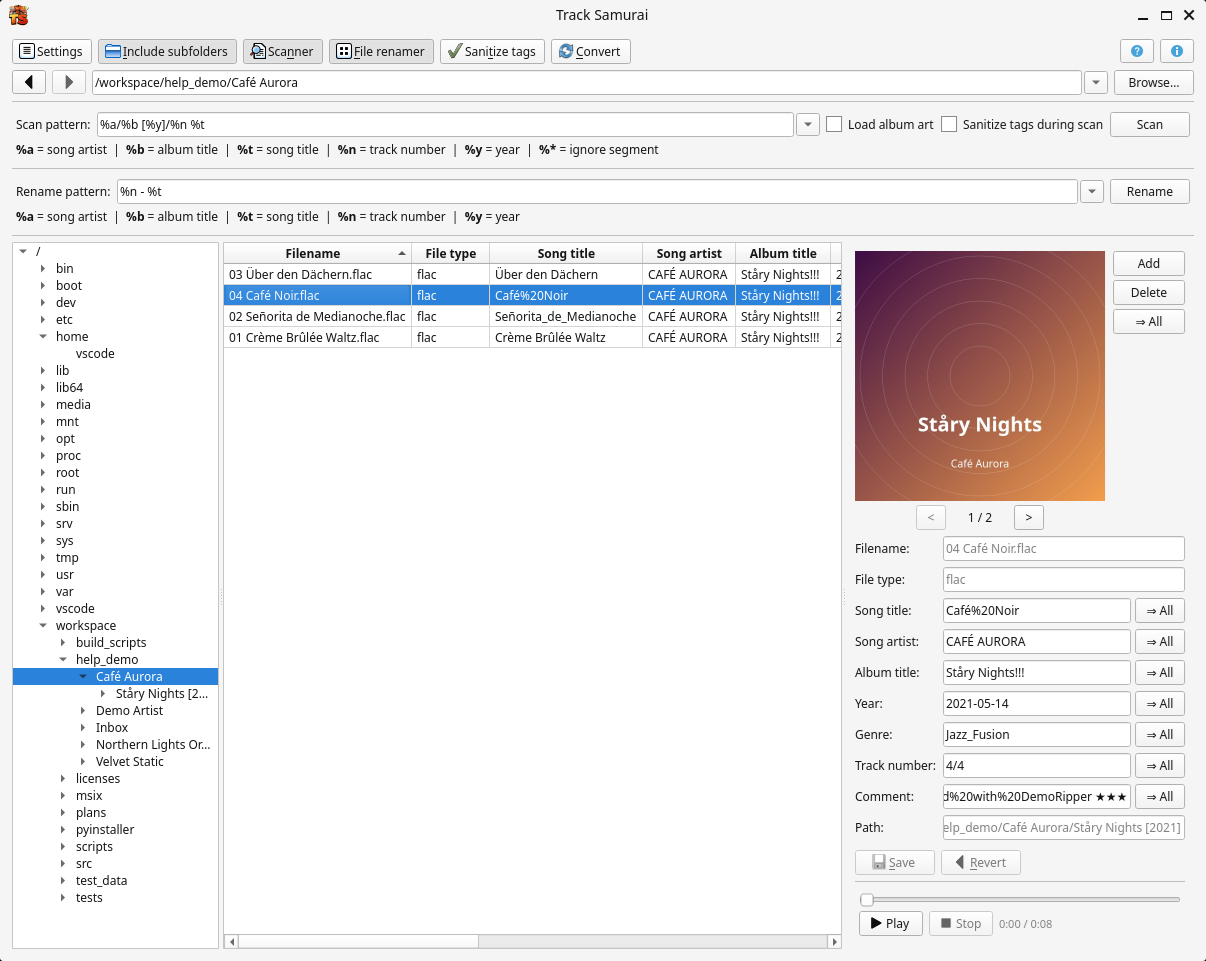
Main Window
Directory tree, files table and detail panel, with the optional Scanner and File renamer panels open at the top.
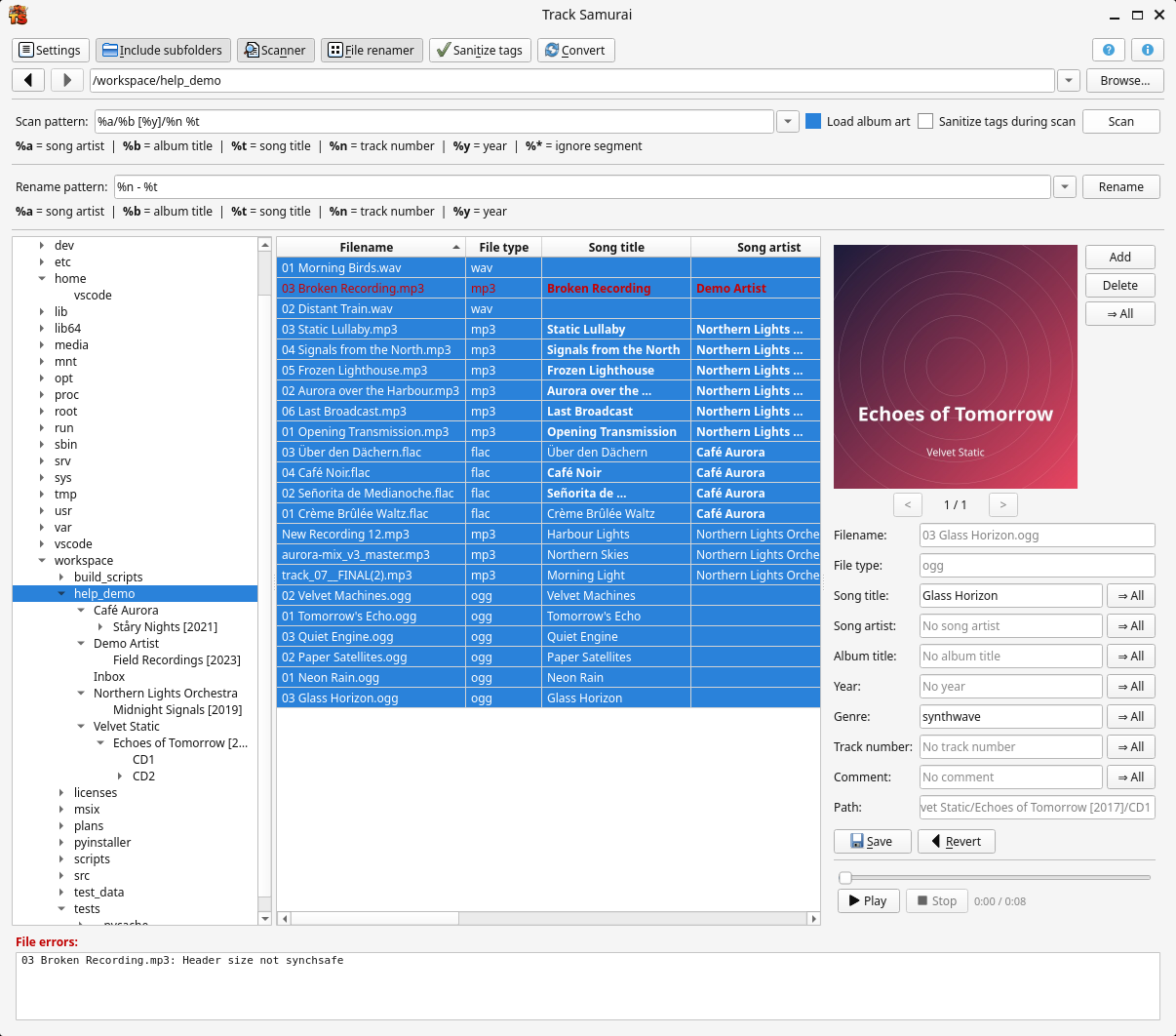
Files Table
Proposed changes that have not been saved yet are shown in bold. Files that could not be read are shown in red, with the reason in the error panel.

Scanner
Fill in tags from the folder structure with a pattern such as %a/%b [%y]/%n %t. Optionally load album art from the album folder and sanitize the tags right after the scan.
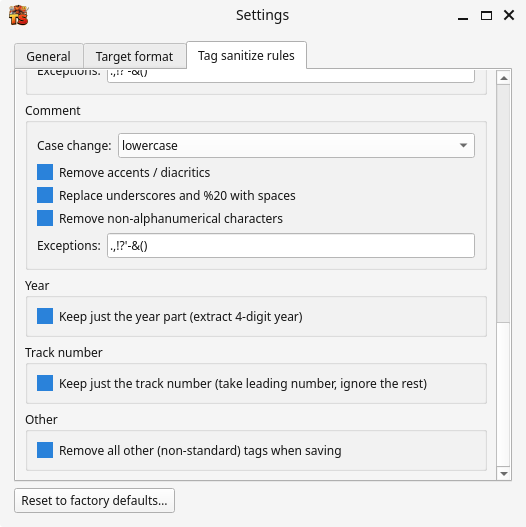
Tag Sanitize Rules
Choose letter case, accent removal, underscore replacement and allowed characters for each text field, and clean up years and track numbers.

File Renamer
Rename files from their tags, e.g. %n - %t → 05 - Sing this.mp3.
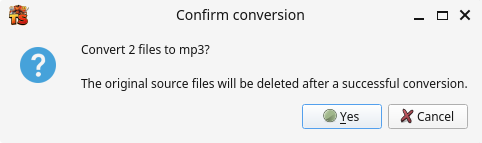
Audio Conversion
Convert the selected files to MP3, FLAC or OGG Vorbis. Tags and album art are copied to the new files.
Settings
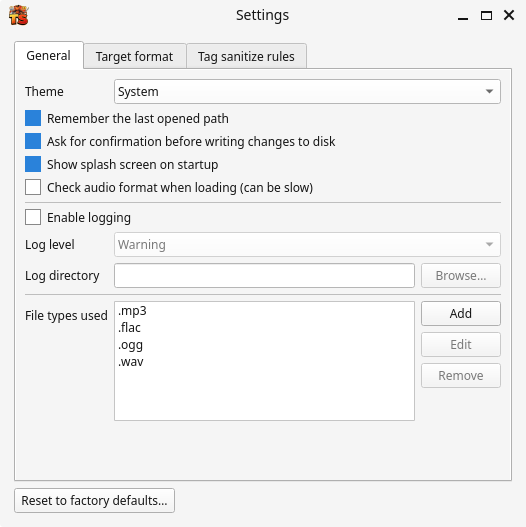
Theme, confirmations, logging, loaded file types and the target format and quality for conversion.